Skip to how it works

Stay close to family between the holidays, not just at them.
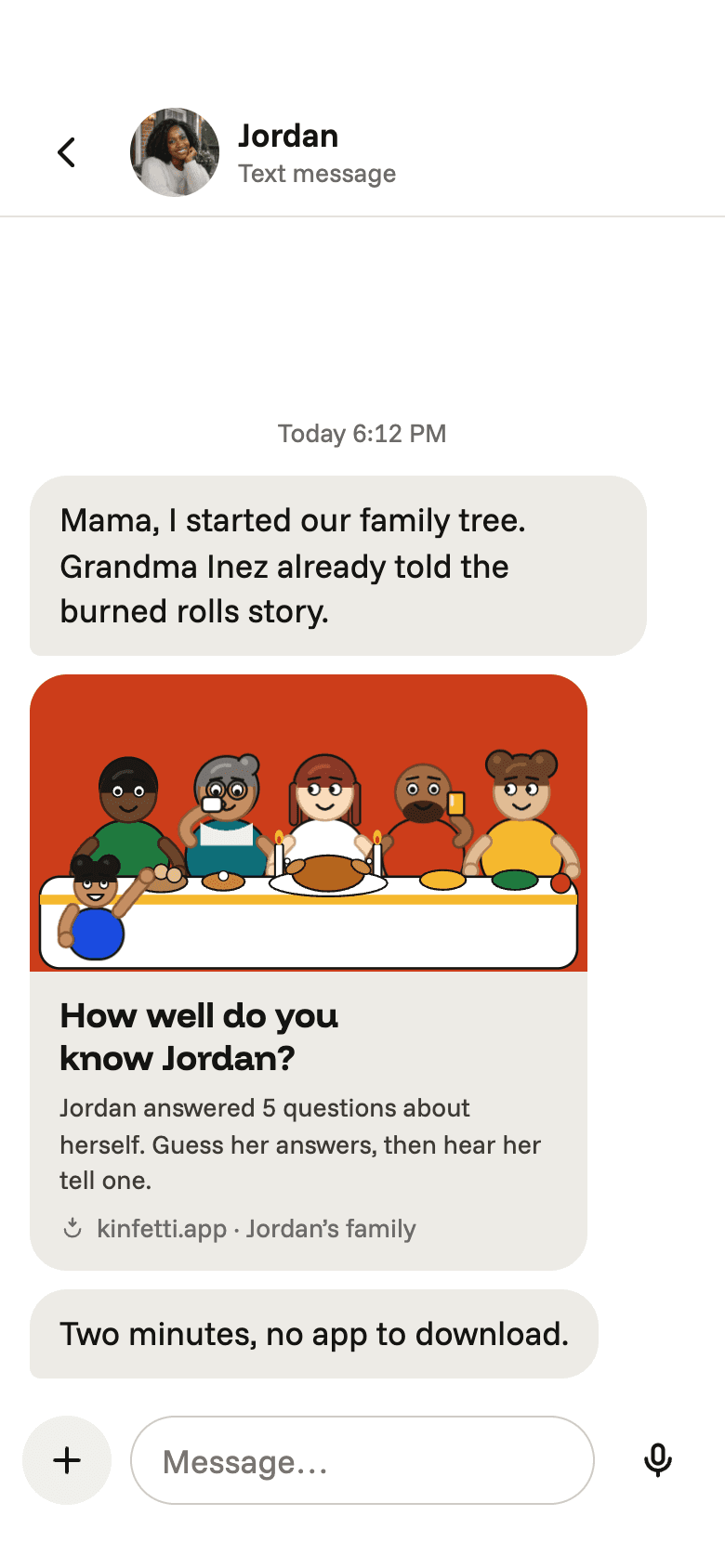
iMessage preview of the invite: the mixed family table and “How well do you know Jordan?”

We wanted a better way.

  • To feel close to family between the holidays, not just at them.
  • To hear the family’s stories in their own voices.
  • To have a family tree people actually want to open.

One text. The whole family’s in.

A text, a quiz, a voice, a card.
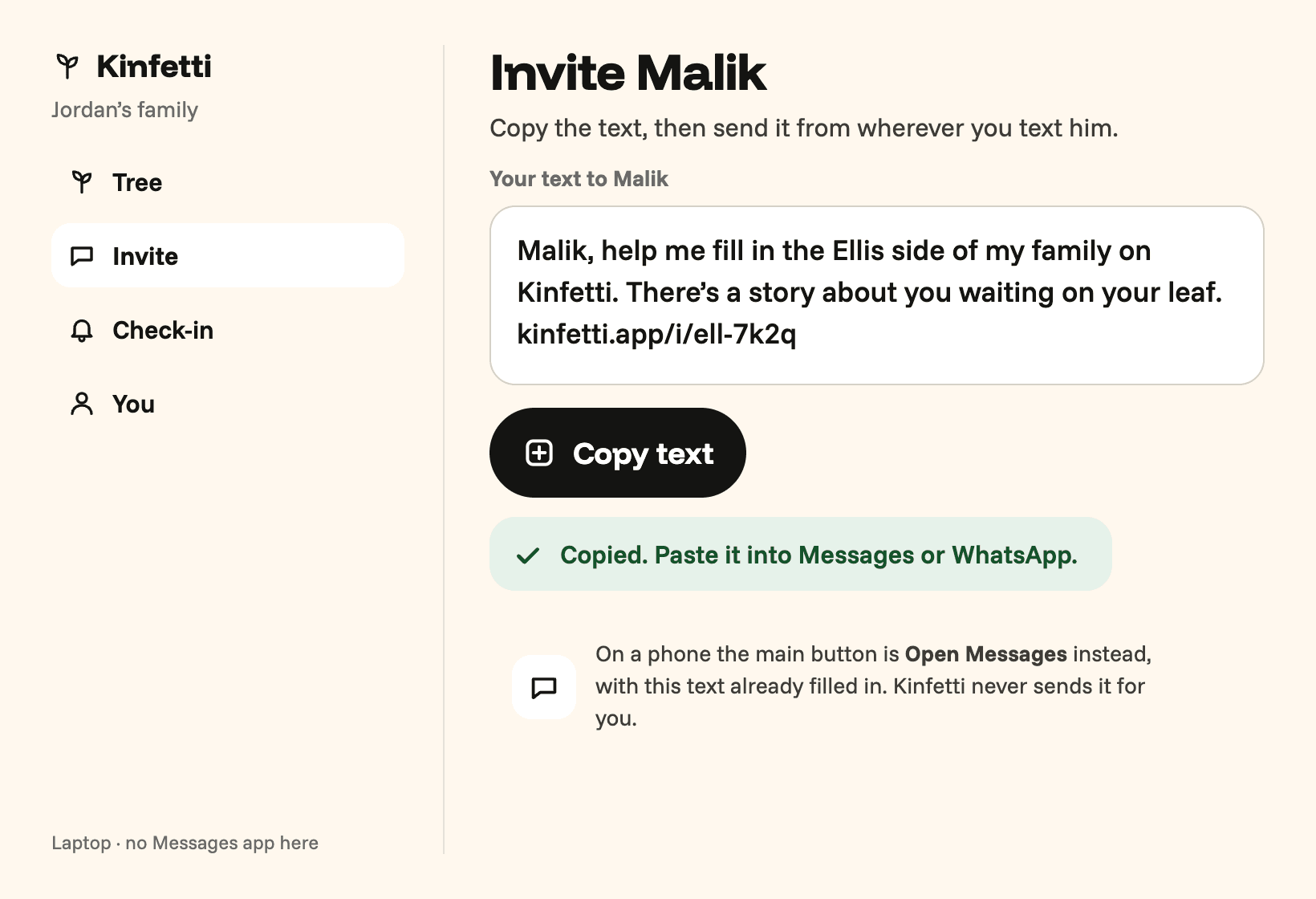
  1. Copy text fallback on a laptop: the invite to Malik in a box and a big Copy text button

    Step 1

    Text the family

    One text from you. No app to download.
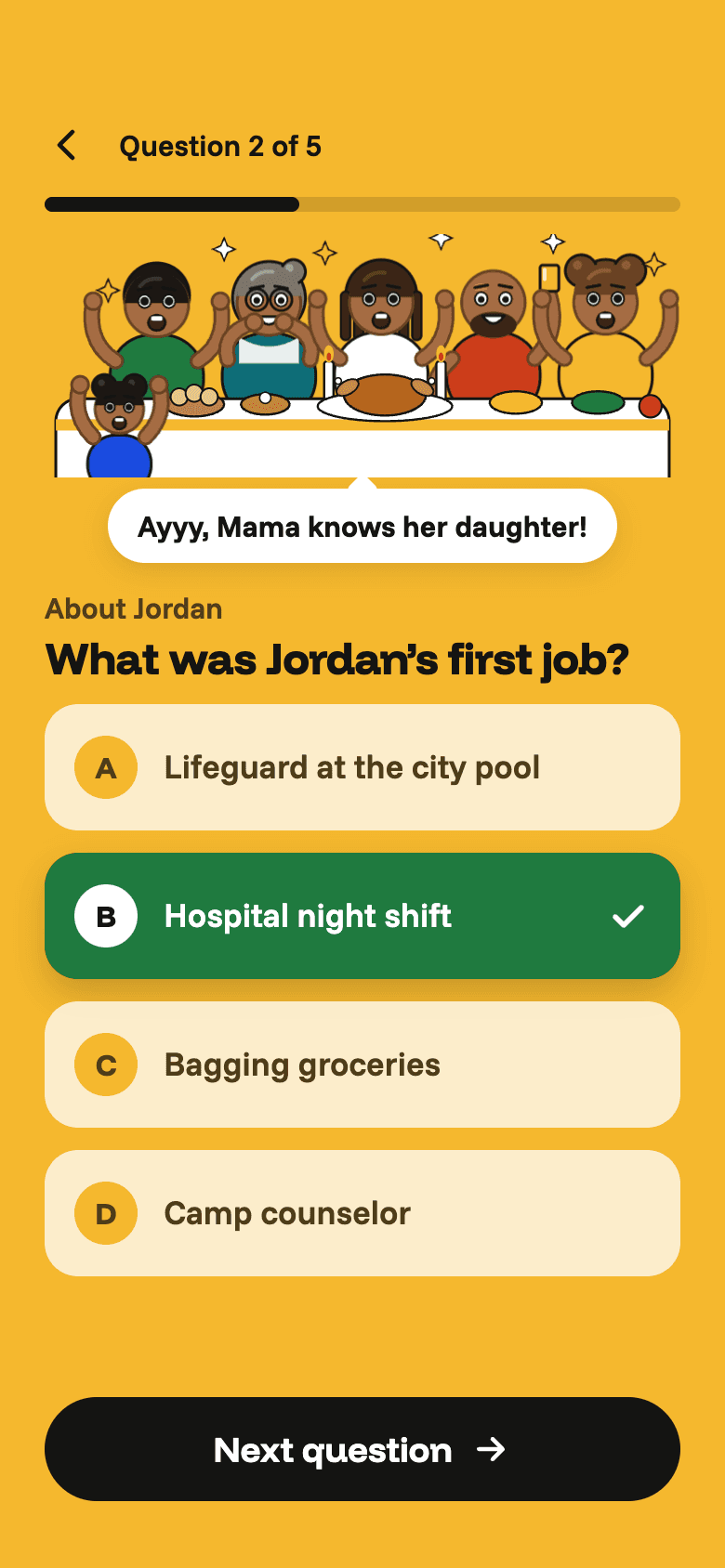
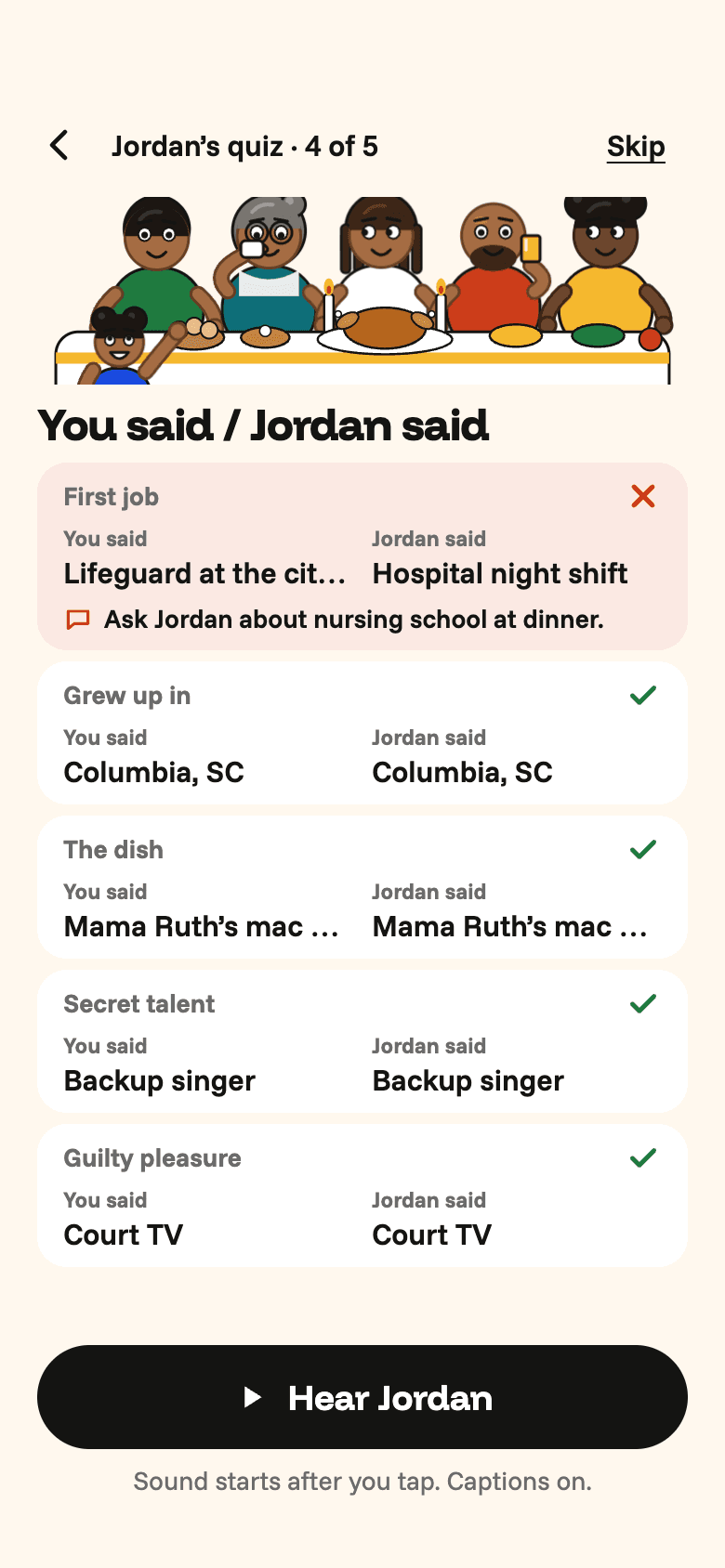
  2. Quiz question 2 of 5: “What was Jordan’s first job?” with four answers, the table cheering

    Step 2

    They play a quiz about you

    Up to five questions, two minutes.
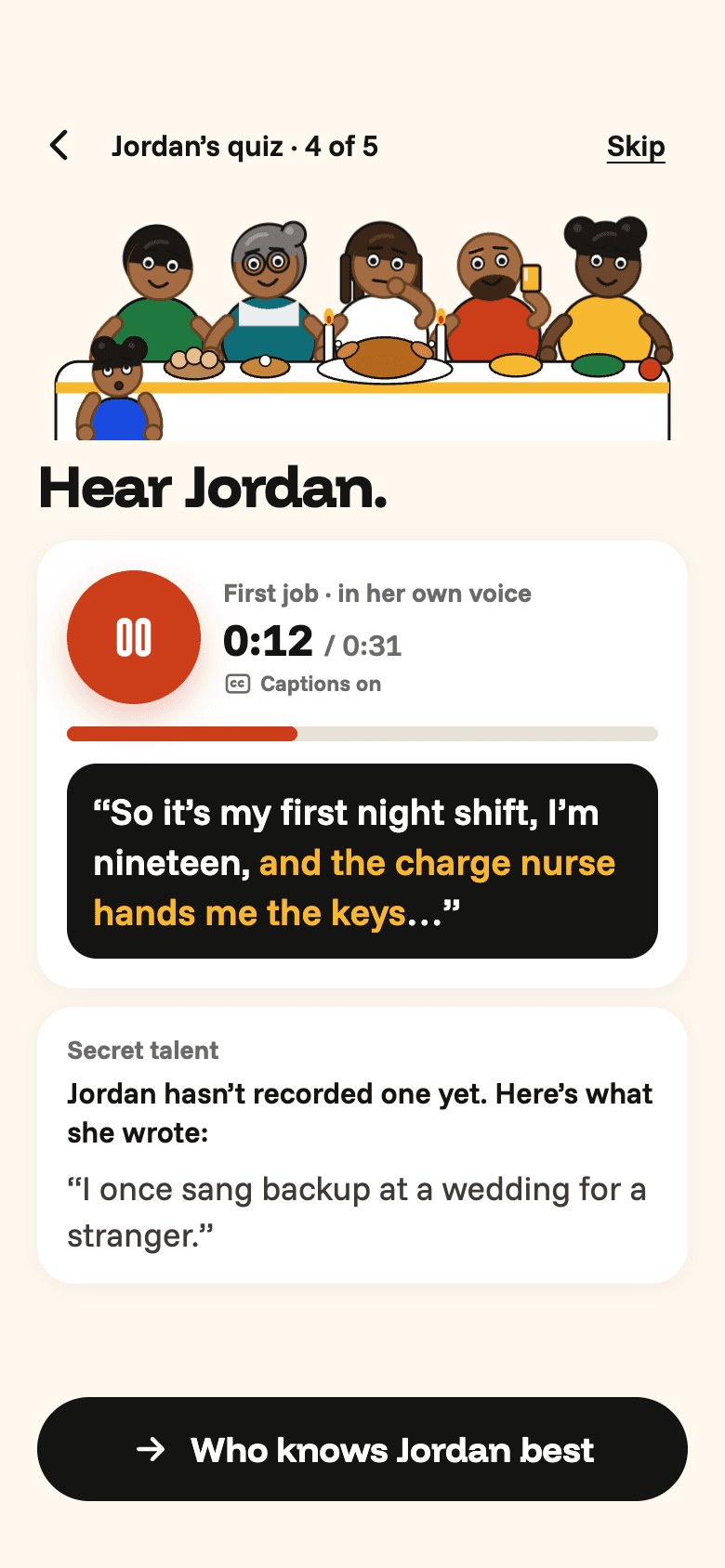
  3. Hear Jordan: a big Play button, the table listening, large captions of her answer

    Step 3

    They hear your voice

    Then they’re on the tree, next to you.
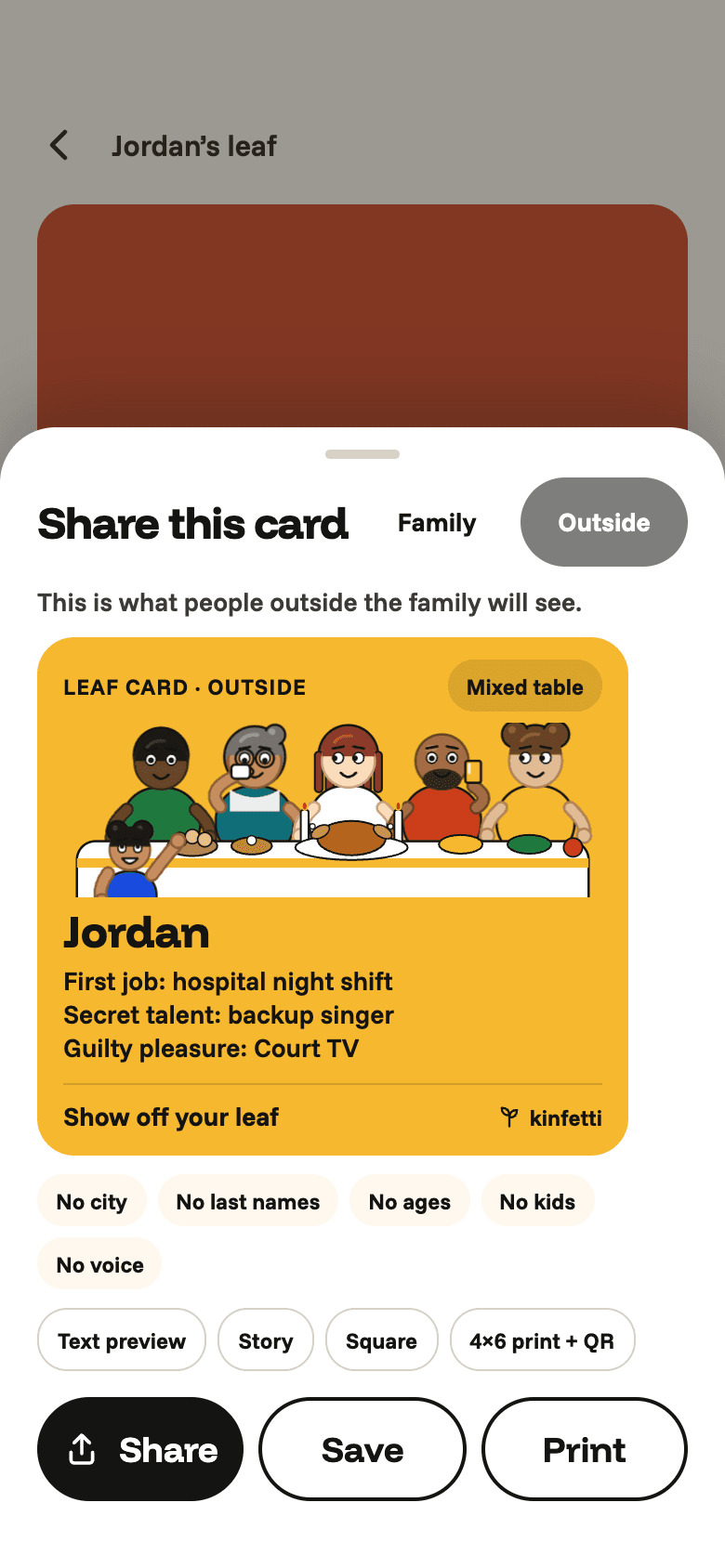
  4. Story card share sheet: the family version beside the outside version, with Leaf Card, You’d Never Guess and Generations Card

    Step 4

    Everyone gets the card

    One for the family, a quieter one for outside.
Start your familyTwo minutes, no app to download
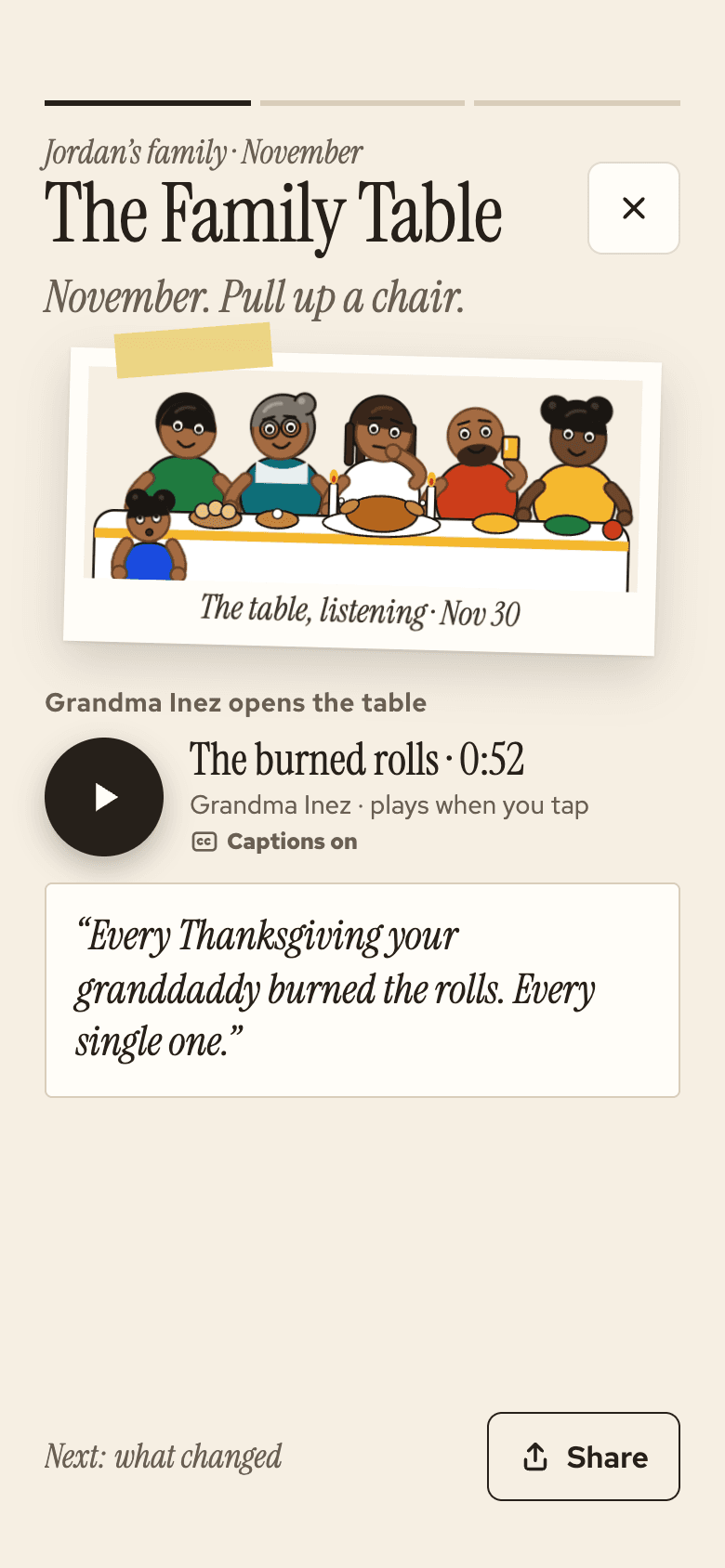
Recap cover: “The Family Table · November. Pull up a chair.” with Grandma Inez’s captioned story

Hear Grandma Inez

Stories stay in their own voice, with captions on every clip.

Demo voice · captions on · 0:52

“Every Thanksgiving your granddaddy burned the rolls. Every single one.”

Every answer gets a card

Leaf cards, guesses, generations.
  • Leaf Card: Story card share sheet: the family version beside the outside version, with Leaf Card, You’d Never Guess and Generations Card
  • You’d Never Guess: Story card share sheet: the family version beside the outside version, with Leaf Card, You’d Never Guess and Generations Card
  • Generations Card: Story card share sheet: the family version beside the outside version, with Leaf Card, You’d Never Guess and Generations Card
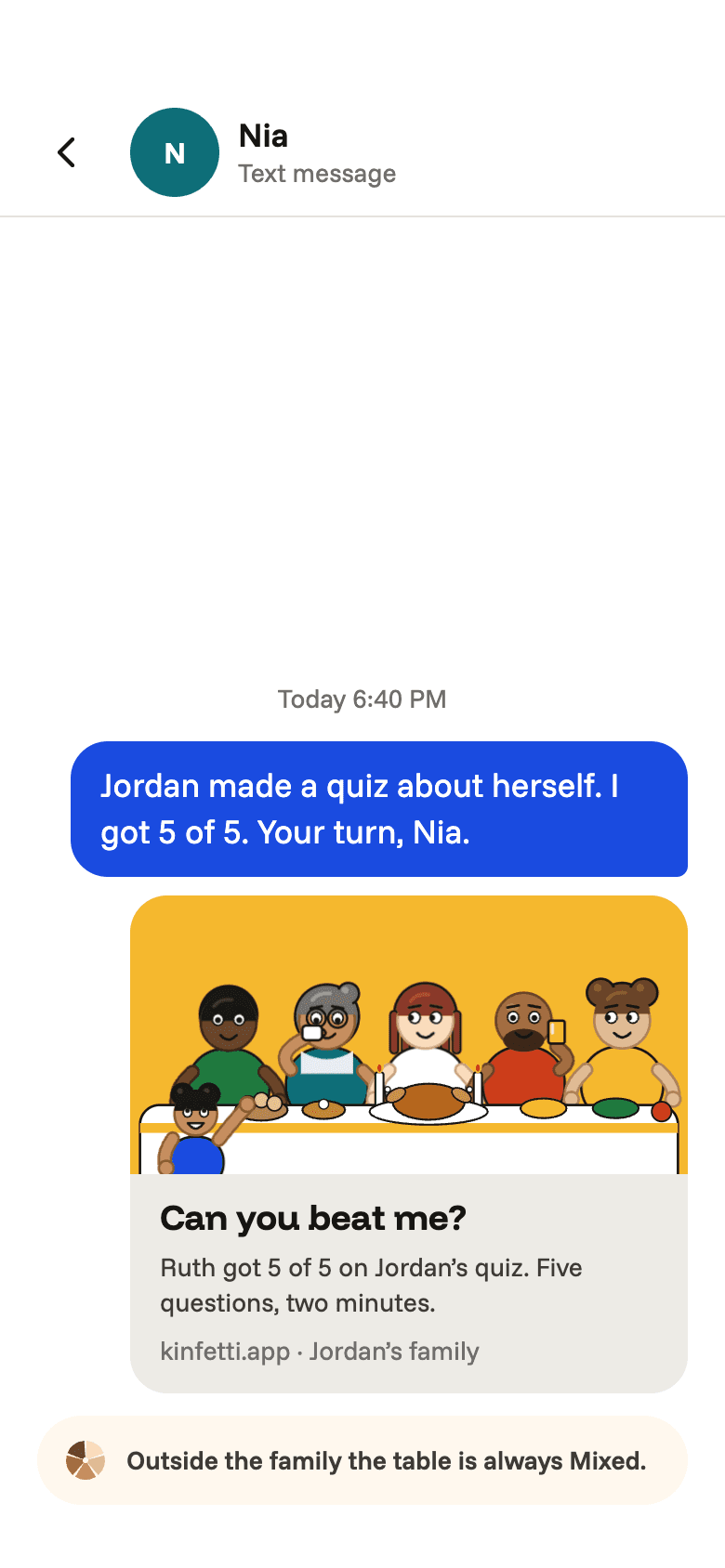
  • Can you beat me?: Share card: “Can you beat me?” with the mixed table and Jordan’s score, no tree or cities

What your family gets

  • A family tree people actually want to open.

  • What’s new with them, in their own words.

  • Their voice, kept with the story.

  • Caught up before you walk in the door.
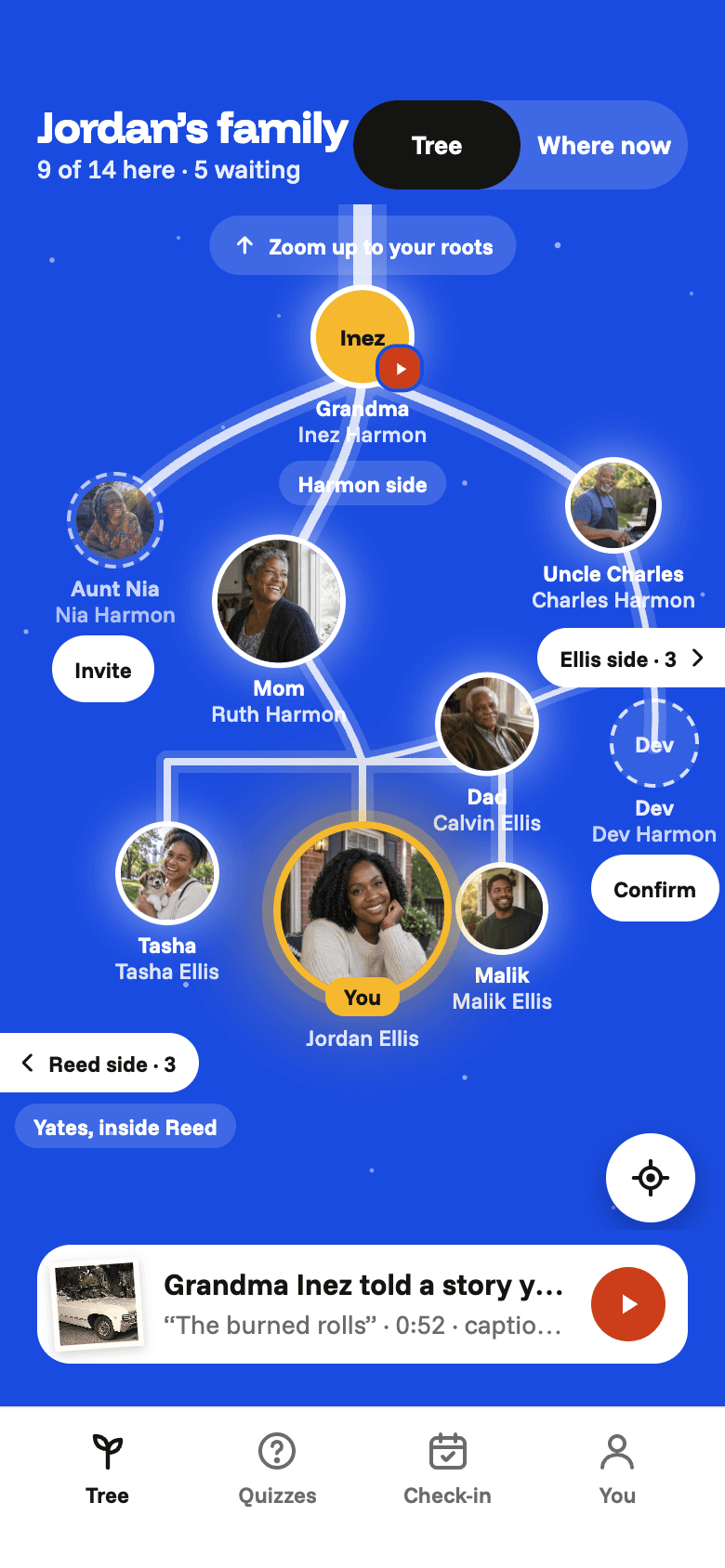
Jordan’s family tree: Grandma Inez at the root, the Harmon, Ellis and Reed sides, Jordan’s leaf lit

The table’s set for December

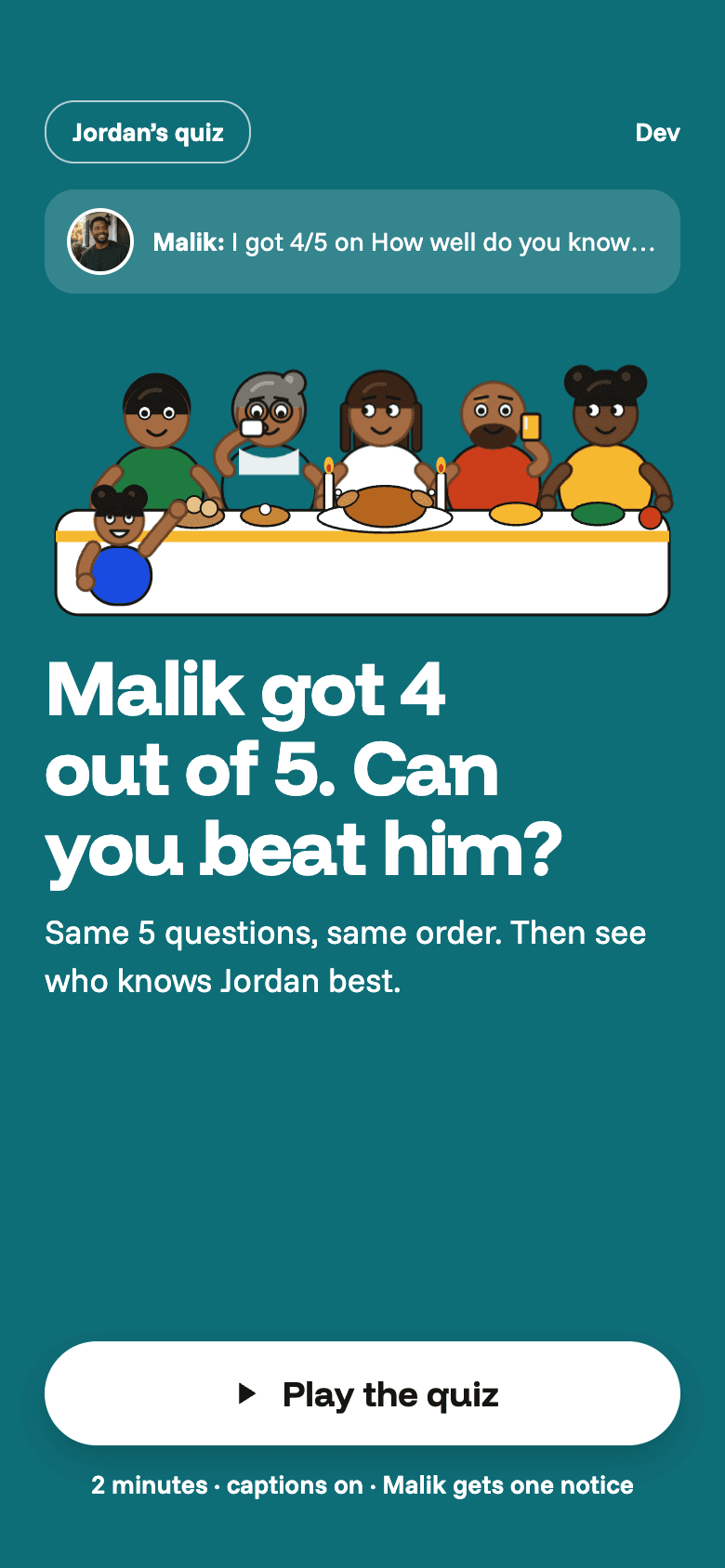
Challenge landing: “Malik got 4 of 5. Can you beat him?”

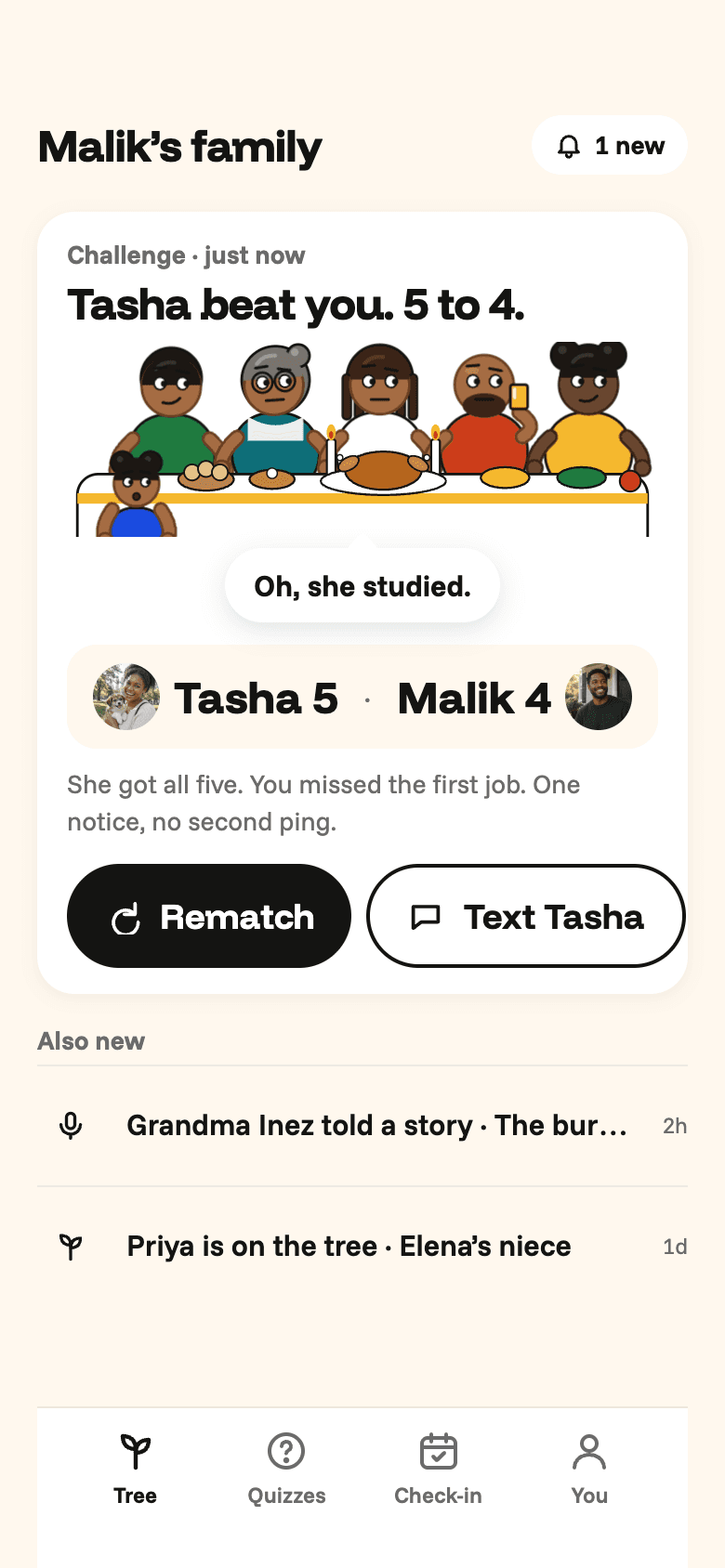
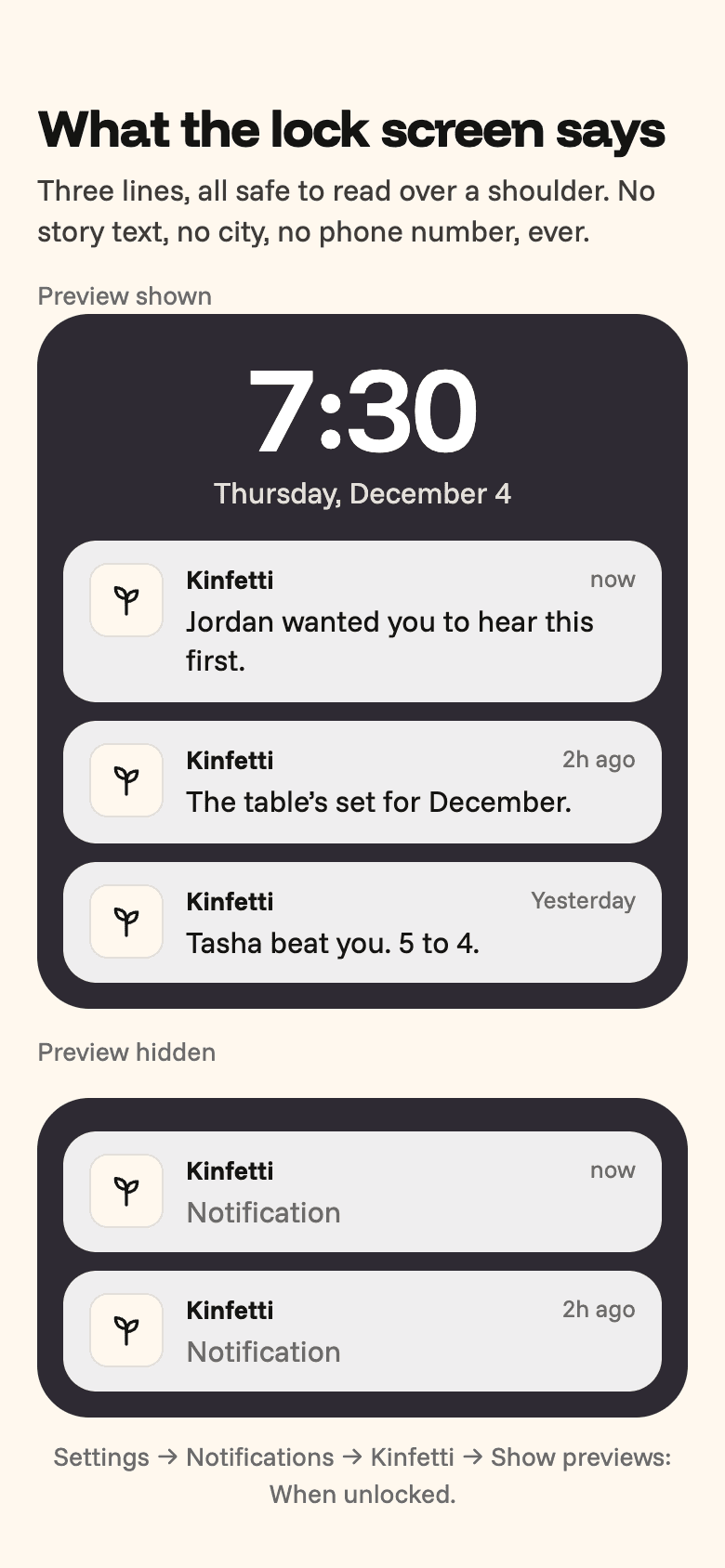
Kind nudges, never guilt. A score to beat, a story to hear, a recap on the 30th.

For the whole family

Built for grandparents and teens alike.
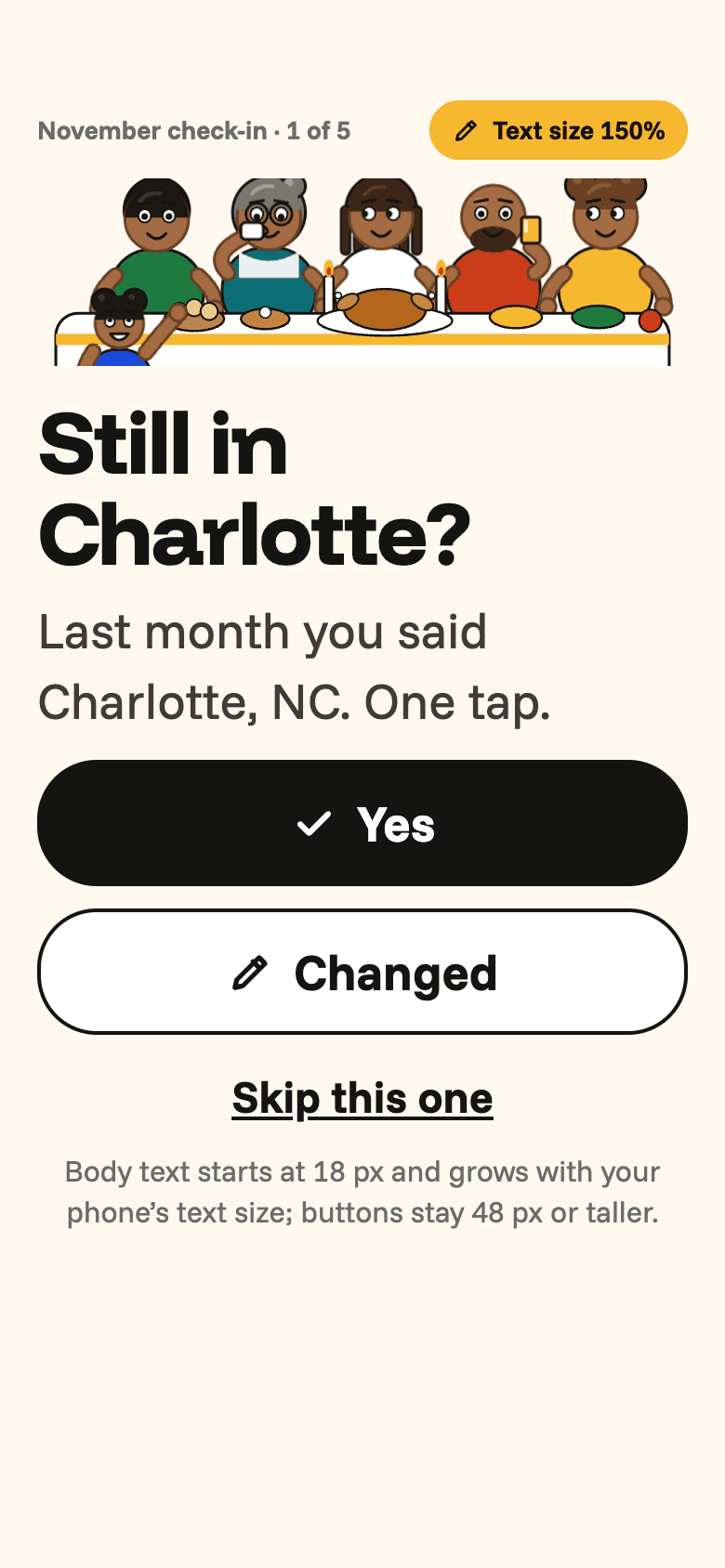
  • Bigger text: the check-in question at 150 % with 48 px targets still comfortable

    Bigger text

    18 px and up, bigger if you like.
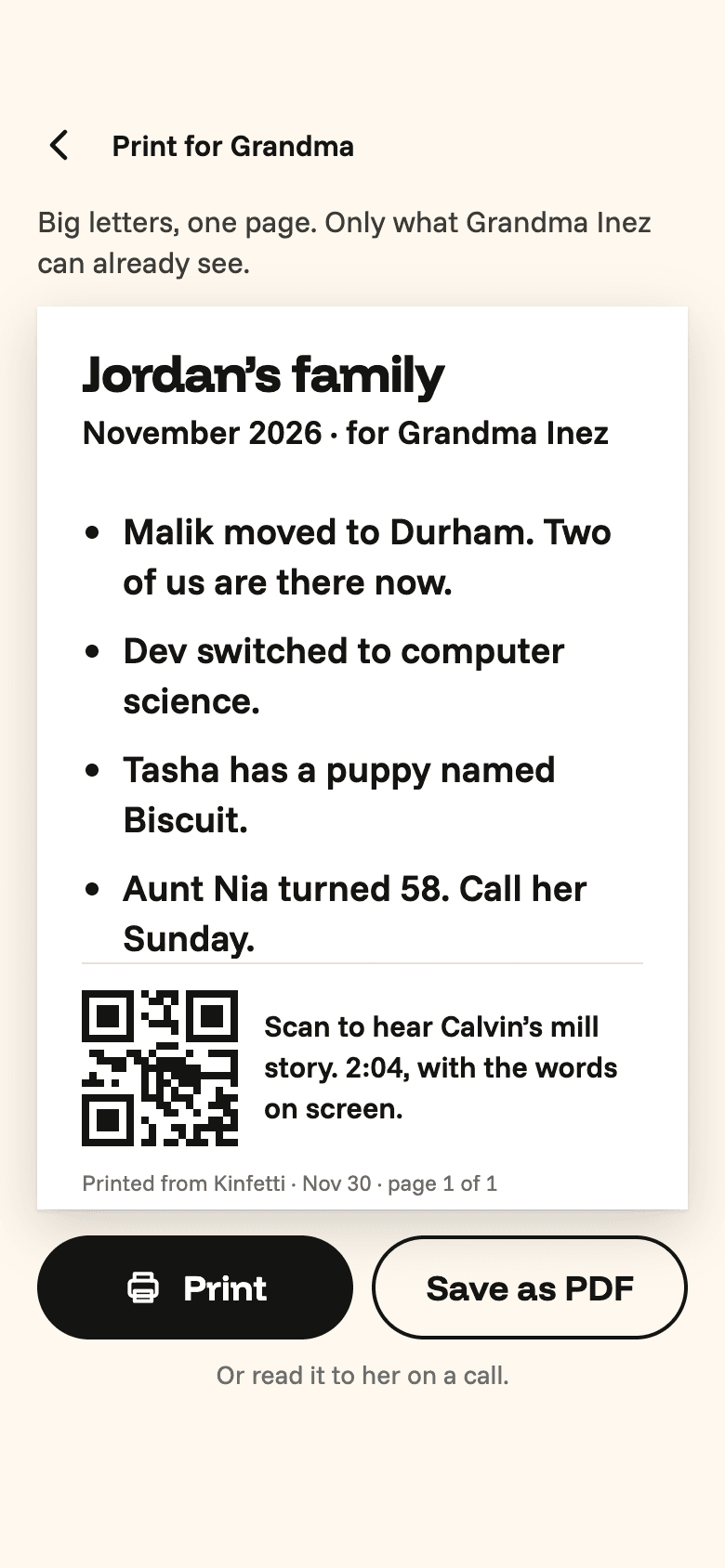
  • Print for Grandma: a large-print one-page recap of the month

    Print for Grandma

    One page, big letters, the whole month.

  • Hear Jordan: a big Play button, the table listening, large captions of her answer

    Captions on every clip

    Read along, or turn the sound up.
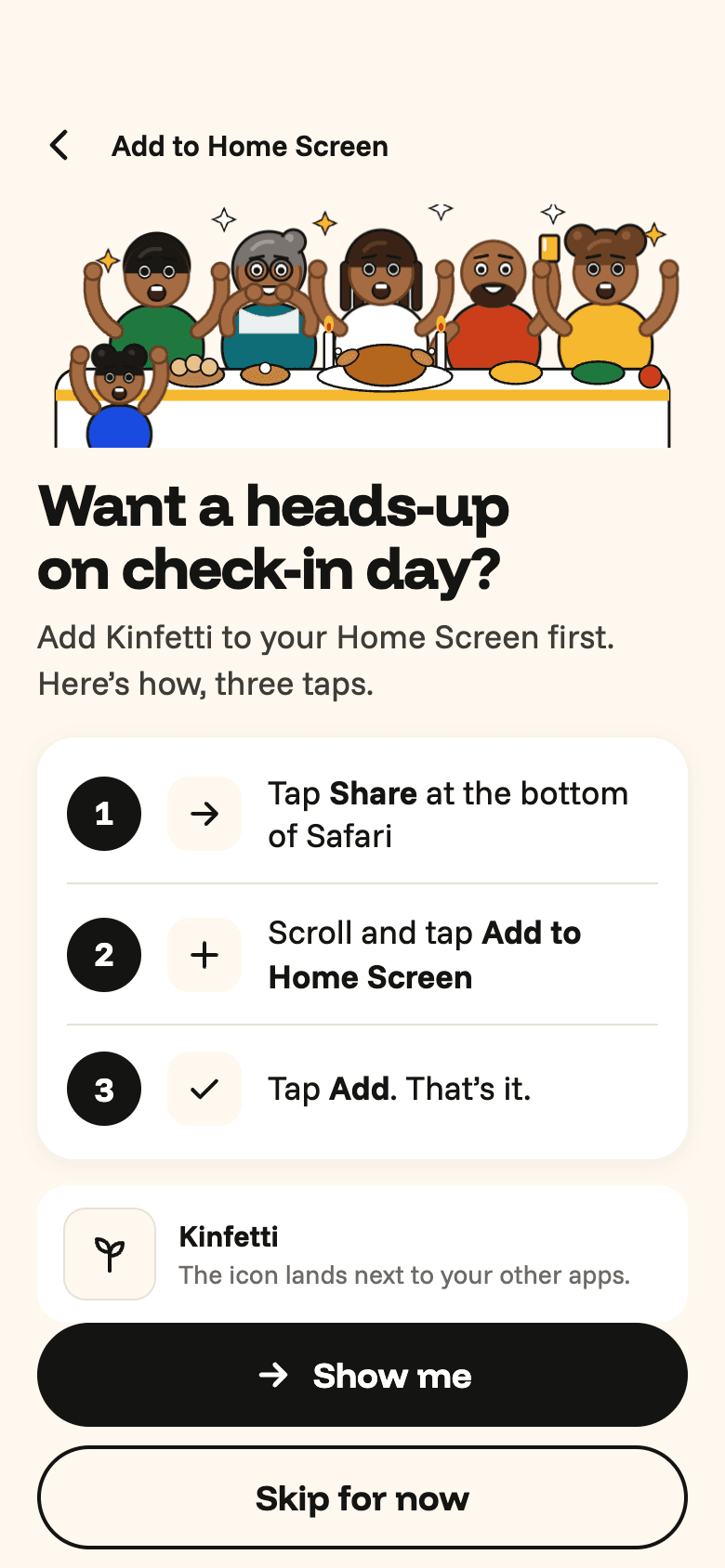
  • Add to Home Screen helper: “Want a heads-up on check-in day?” with the three steps and a visible Skip

    Add to Home Screen

    A heads-up on check-in day. Skip is always visible.

Your family’s stories stay in your family

  • Private by default

    Only the tree sees your leaf. Nothing is public unless you share it.

    Story card share sheet: the family version beside the outside version, with Leaf Card, You’d Never Guess and Generations Card
  • Who can text me

    Whole family, my side, close family, or nobody.
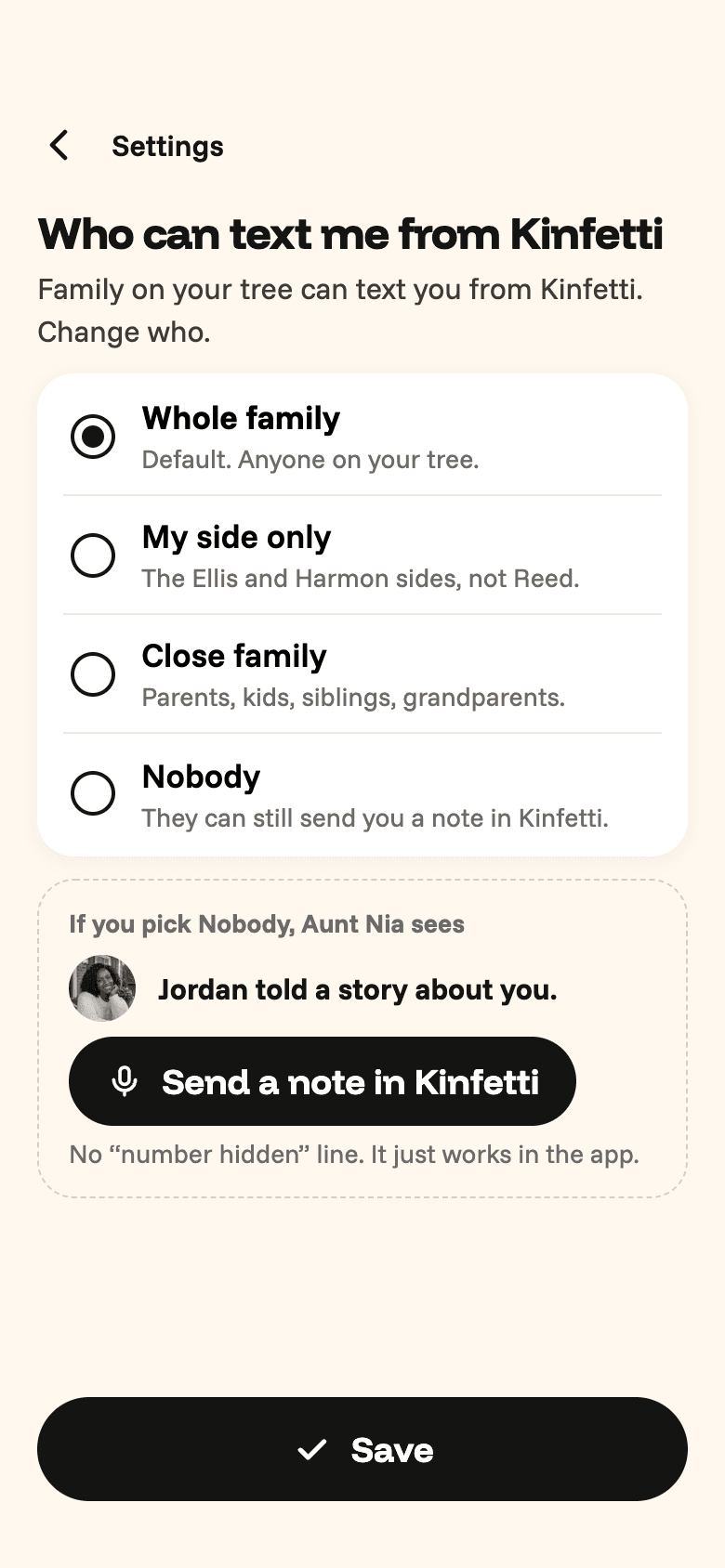
    Who can text me from Kinfetti: Whole family, My side only, Close family, Nobody
  • Age stays private

    Off by default. Never on cards outside the family.
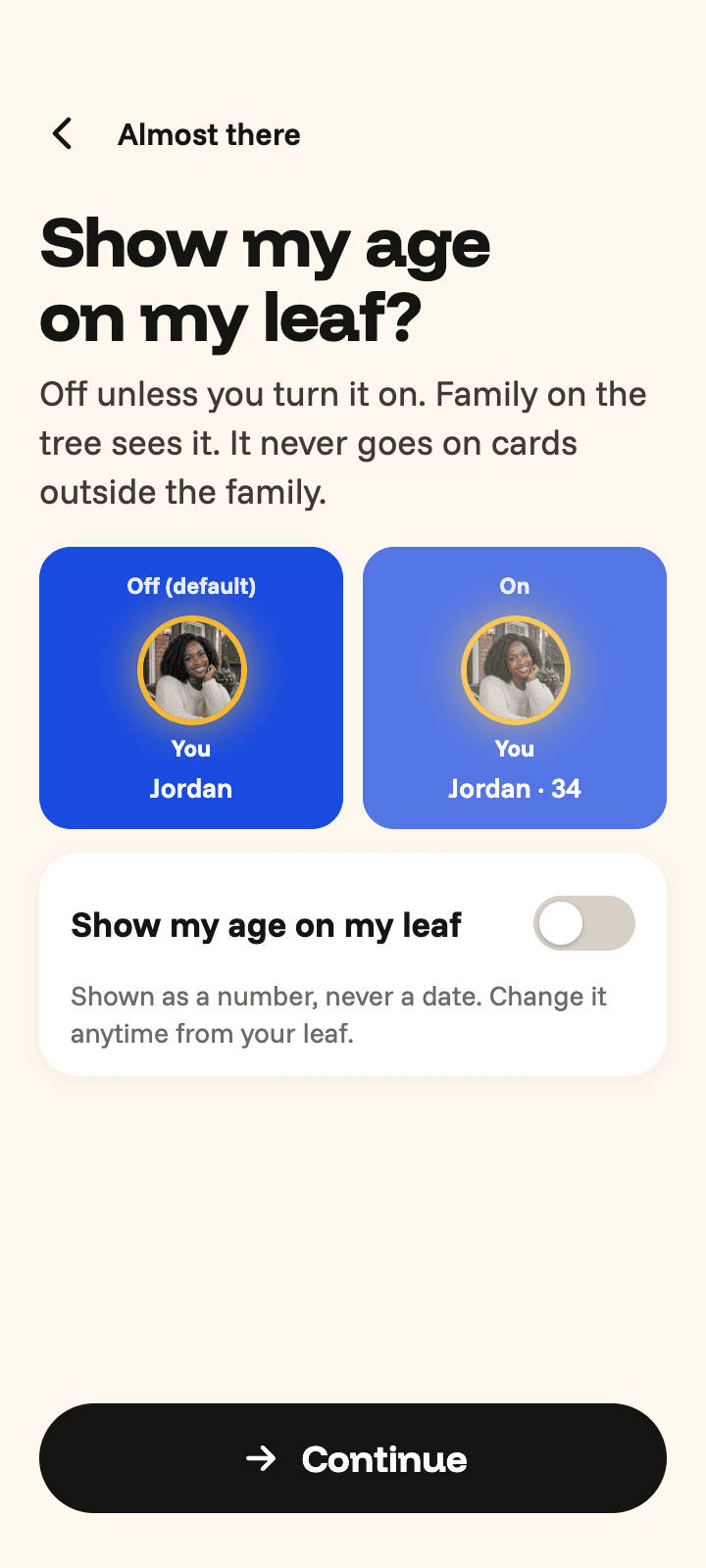
    Age privacy toggle: “Show my age on my leaf?” off by default, with Jordan’s leaf previewed both ways

Family on the tree sees it. It never goes on cards outside the family.

Questions

Start your family

Start your family

Pull up a chair.